TECHNICAL SUPPORT HOURS
Weekdays: 8am - 7pm
Weekend: 9am - 6pm
Holidays: Memorial Day, 4th of July, Labor Day, Thanksgiving, Christmas, New Years
HAVING AN ISSUE WITH YOUR WIFI AND NEED HELP?
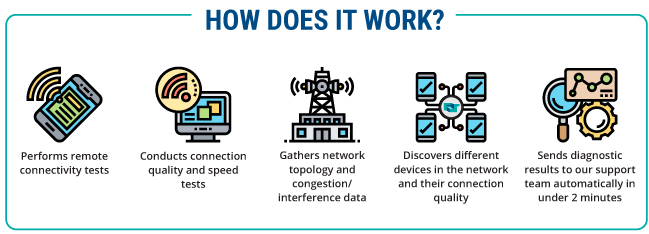
Download the First Step Help Mobile App from Google Play or Apple App store and scan your network with a single button. From there our support team can review and troubleshoot your issue effectively and quickly.
First Step offers a wide variety of support options. You can go to our
Frequently Asked Questions or make a selection from the support categories listed below.
If you do not find a solution to your problem within these pages, please contact our technical support staff toll-free at 1-888-676-6377, locally at 882-8869, by email at
techsupport@fsr.net.

